A trading platform is a tool that provides traders with access to the financial markets. It allows you to overview charts, open and close deals, and get additional information. The success of trading largely depends on the functionality of the platform and the ability to work with it. Comfort is also important, so the interface should have a neat arrangement of elements, but not overloaded with buttons. In this review, we will observe and compare the most popular trading terminals for you to choose the suitable one.
The article covers the following subjects:
What is a Forex Trading Platform?
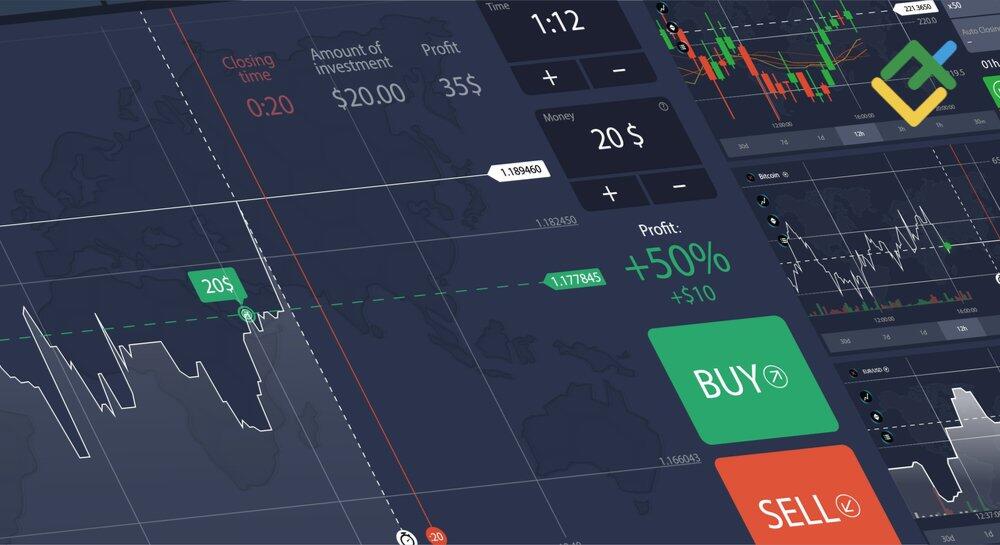
A trading platform is a program that enables users to trade in the financial markets. Most of them are designed for any kind of operating system, including Linux and mobile devices. You download the file from the broker's website for free, install the platform on your computer or phone and upload a trading or demo account to it. After that, the software is ready for your work.
Thanks to a trading platform, you can:
Track price changes. Quotes are uploaded to the platform in online trading mode, so you can see the price change of each asset every second. Online terminals allow traders to display several charts at the same time, perform fundamental analysis, see the current spreads, etc.
Analyze markets. The functionality of the platforms involves a variety of analytical tools: different graphical types of price display, technical indicators, lines, figures, levels, timeframes, etc.
Manage deals. In the platform, you can open and close trades, set stop-loss safety orders, pending orders, run expert advisors, and much more.
Other features of the trading platforms: a built-in service for automatic copying of trades, a news feed and an economic calendar, exporting trading statistics to Excel, MyFxBook, etc.
There are several types of trading platforms:
Licensed Products. The broker buys a license and offers the software to customers for free.
Brokers' own platforms. Usually, these programs are tailored to individual requirements of the company. Sometimes, online brokers sell a license for their software or transfer it on a White Label basis.
Platforms for analysis. Independent developers offer programs that do not allow you to trade Forex currency pairs directly, but help in analytics. For example, software that automatically recognizes patterns. As a rule, brokers provide traders with access to such applications for marketing purposes. The client can also subscribe to it on their own.
Sometimes a platform means a separate site that performs a supporting role. A good example is ZuluTrade, the social trading aggregator platform.
What is The Best Forex Trading Platform?
When in search of the best trading platforms for forex pairs, consider the following aspects:
Type. As a rule, the platforms of the developer company provide a lot of additional tools. The broker's own online terminal is adapted to its technical capabilities and often has unique features.
Functionality. Convenient scaling, unique tools, built-in testers, programmability, etc.
Price update speed. This is especially relevant for scalpers.
Interface. Individual platform settings, the ability to change the display of information, customization of control panels, charts, color scheme.
Compatibility. Most platforms have both browser and mobile versions, but there are exceptions.
The best trading platforms are those that are most comfortable to work with and meet your requirements. Below you will find brief reviews of the top exchange and OTC platforms, their advantages and disadvantages. Once installed, they can be tested on demo retail investor accounts.
MetaTrader 4
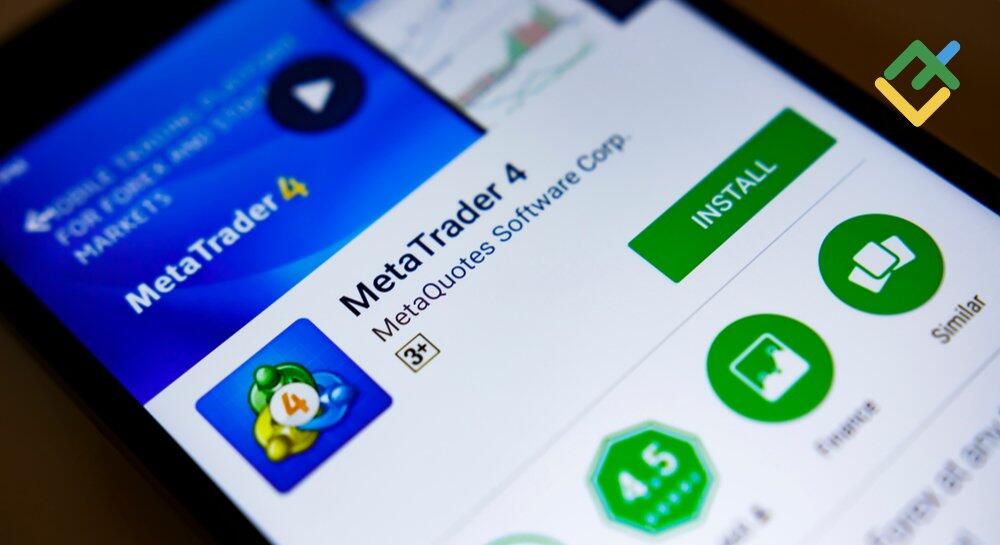
Metatrader 4 is an information and trading software package of the international company MetaQuotes, which has become the technological flagship of the entire product line of the developer. The platform was launched in 2005 and still remains the most popular among CFD traders.
Advantages
Main MT4 advantages:
Versatility. The platform is not oversaturated with tools, but is enough for a full-fledged analysis. The basic functionality is limited to 30 indicators, 31 graphical objects, 4 types of pending orders.
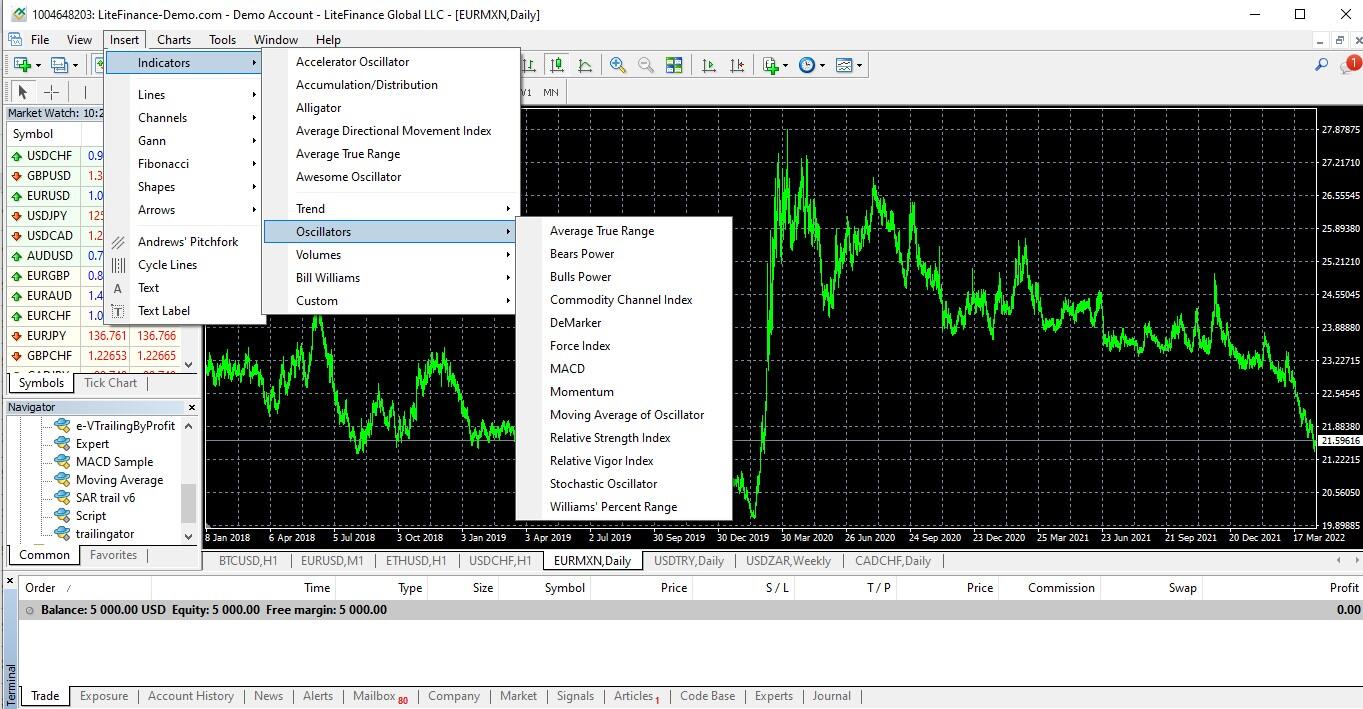
Ability to add applications written in MQL4. Scripts, author's indicators, advisors are added to the platform - both paid and free. There is a built-in MetaEditor, a platform-based trading strategy development environment. There are also built-in strategy testers for MT4, which overtake the platform's own tester in terms of accuracy of results and functionality. Some of them are described in FX Blue trading simulator review and Forex Simulator for Testing Trading Strategies.
Support from MQL5. MQL5 is an analytical portal of the MetaQuotes developer. It is a platform with advanced trading tools, a forum for traders and a freelance exchange. Here you can place an order for writing/improving a tool for MT4 according to your own algorithm or hire a programmer.
The platform also supports social trading, where you can subscribe to any signals provided by the MQL5 community.

Disadvantages
It’s Forex-oriented. The platform is designed exclusively for trading CFDs - this market is easier to understand than the stock market.
Bugs. MetaQuotes constantly releases updates, but each time new errors are found in the platform.
Inconvenient scaling. Complex control of chart scales at different time intervals.
MT4 is the best Forex platform, which benefits from functionality and relative ease of operation. But Forex traders without experience will have to spend some time exploring the interface. Its major advantage is hundreds of free auxiliary applications that are integrated into the platform within a minute. You can learn more about this terminal in our review What is MetaTrader.
MetaTrader 5
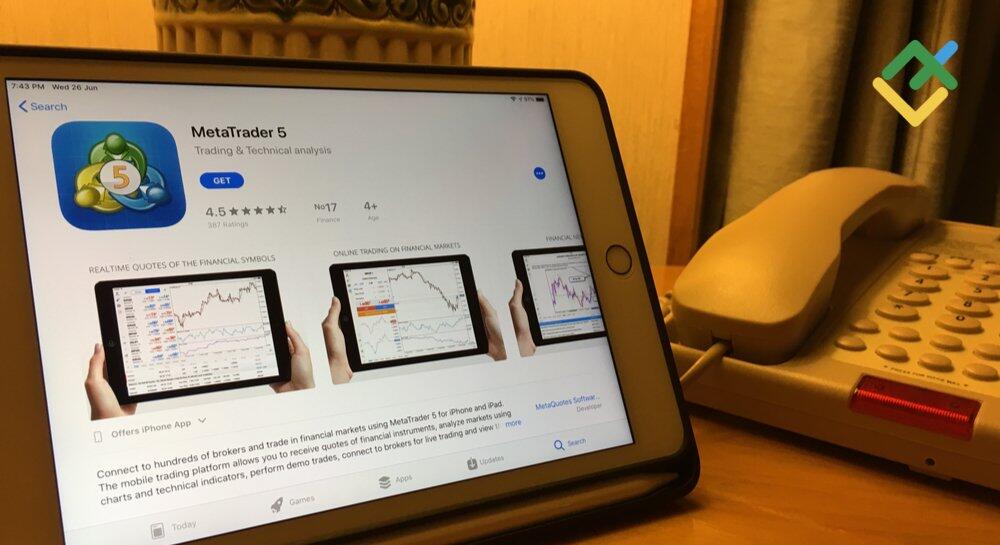
MT5 is the latest version of the top rated trading platform in the MetaTrader group. It was released in 2010 by MetaQuotes Corporation. Developers have expanded the functionality for Forex trading, improved the tester for trading strategies, and added tools for trading stock assets.
Advantages
Unique order execution model. Partial, with incomplete volume, followed by execution at a new price or return of the unexecuted part of the order.
Additional tools. The number of indicators has been increased to 38, graphical instruments — up to 44, pending orders — up to 6, timeframes — up to 21.
Multitesting and the Cloud Network cloud technology. The trading strategies are tested using the free capacities of MQL community users.
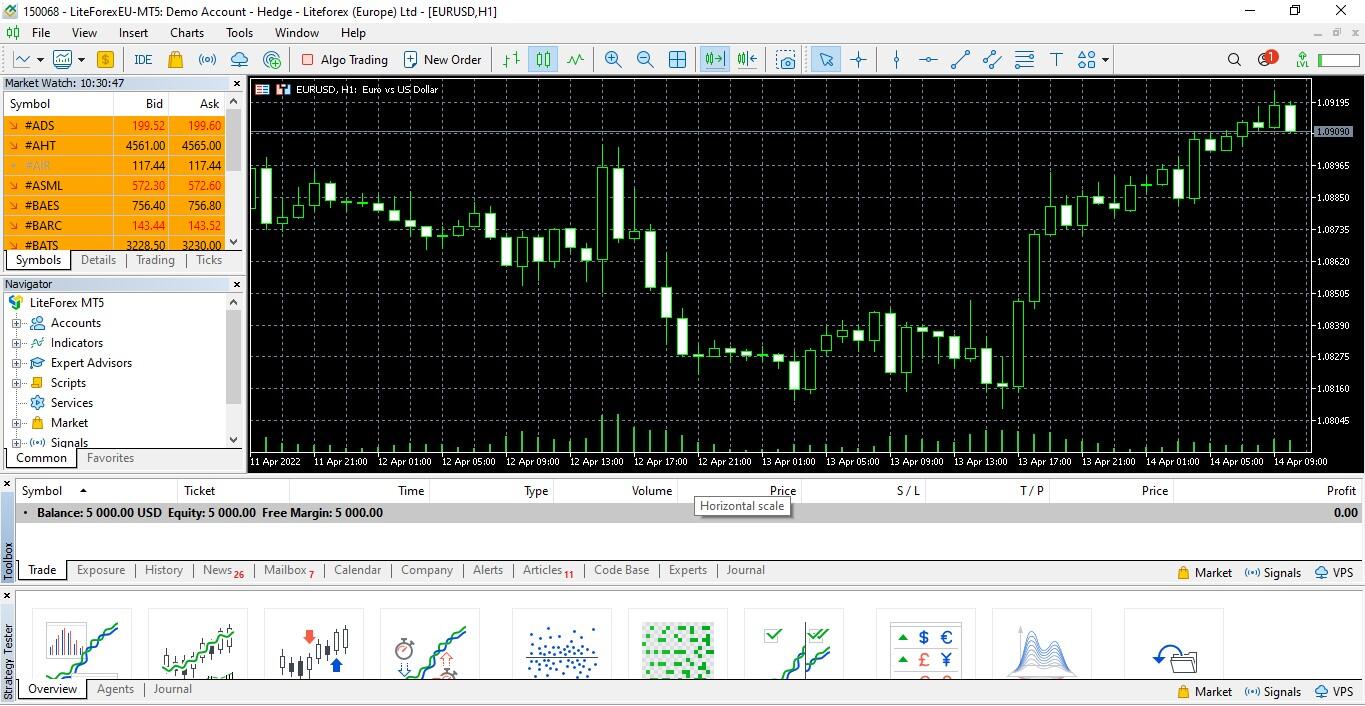
Also, MT5 features the Depth of Market and instruments for transactions. Thus, the platform is suitable for both Forex market and exchange derivatives trading.
Disadvantages
Transition to the MQL5 language. It is an improved and simplified language that reduces the amount of code and removes duplicate functions. But the bugs of the platform remained and the new code did not solve the problems of users.
Control over the platform by the broker through the administrative unit of MetaTrader. One part of the platform software comes with the following note: "It has insignificant capabilities for operations with client accounts."
MT5 was supposed to replace MetaTrader 4, but users felt that the platform updates were not enough to make the transition. The main reason is the lack of many existing indicators and advisers in the new programming language. Therefore, MetaQuotes continues to support both MT4 and MT5, gradually trying to convince online brokers to buy a license for the new version of the platform. You can compare them with the help of our guide Difference between MT4 and MT5 – What is Better.
LiteFinance
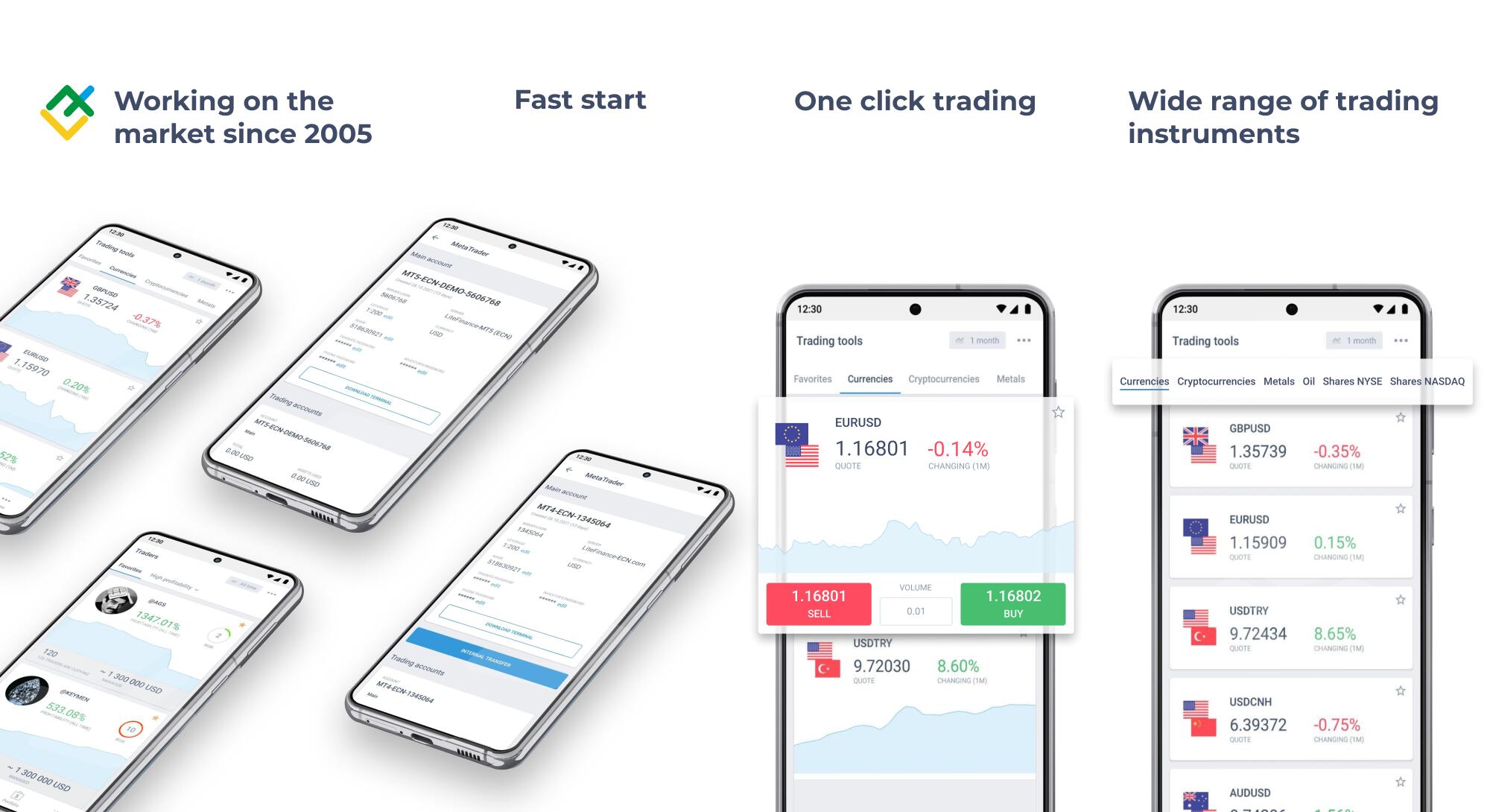
LiteFinance is LiteFinance's own browser platform (before company rebranding). It is integrated into the Personal Account which combines the Forex market trading functionality of the terminal, account management, and statistics of affiliate programs. Here you can find the main currencies, cross rates, stock indices, and individual stocks, as well as gold, silver, oil, and cryptocurrencies. It is fully synchronized with MetaTrader, which means the same retail investor accounts can be used on two platforms at the same time.
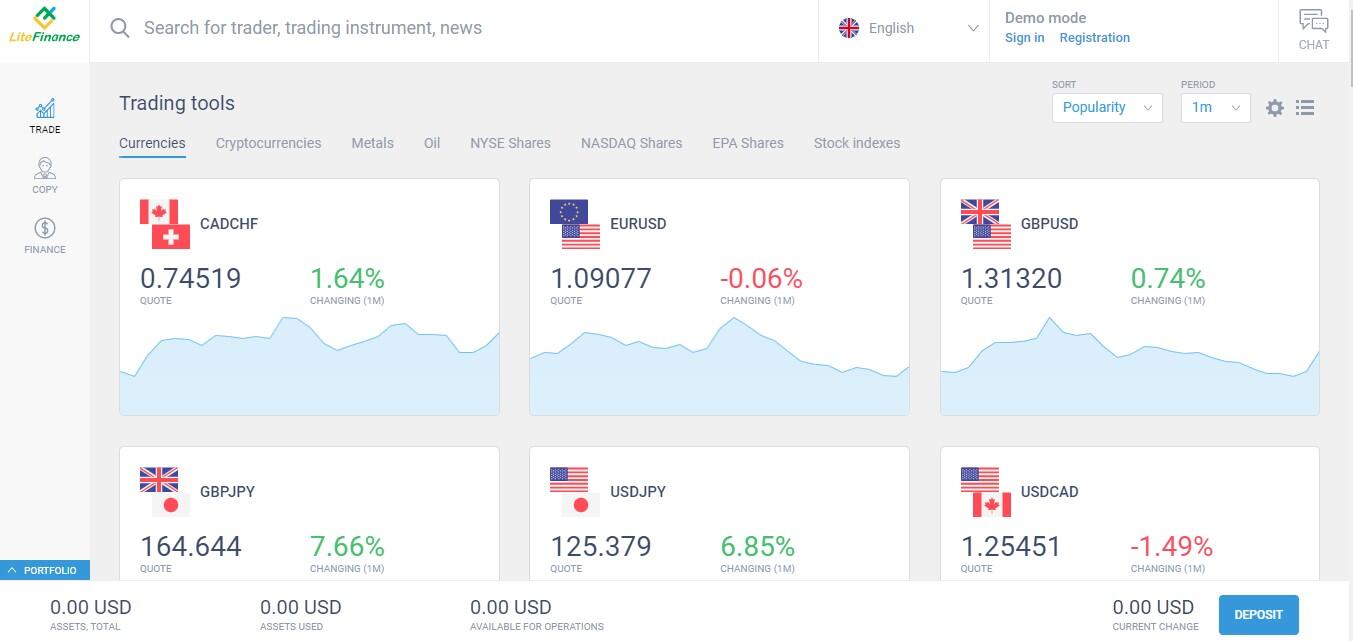
The platform is ideal for beginner Forex traders as an alternative to the MetaTrader platform. The interface is user-friendly: you can see basic trading functions and auxiliary tools for confirming signals, one-click trading, a convenient and quick switching between charts of different asset categories. This platform could be called the best MetaTrader alternative.
Advantages
Convenience. The terminal allows you to combine active and passive trading, and the functionality management is as ergonomic as possible - any task can be solved in a few clicks.
Large stack of technical analysis tools. It includes channel indicators, Fibonacci tools, non-standard oscillators and a volume indicator. The capabilities of the platform are constantly growing thanks to new tools. So far, the LiteFinance platform features more than 100 built-in functions for graphical analysis, 75 indicators and 8 types of price charts.
Available for free with full functionality. There is also a demo mode for trading without registration and a demo account.
It does not require installation and works from any device through a browser. There is also a separate version of the mobile application with all the tools that MetaTrader lacks.
Social trading service with a built-in risk management system. The rating of signal providers includes active traders whose retail investor accounts have existed for more than a month. All "fake" accounts are blocked. Depending on the results of trading Forex and strategy, each trader is assigned a risk level. The investor chooses any of the 4 options for copying signals in accordance with his risk management preferences.
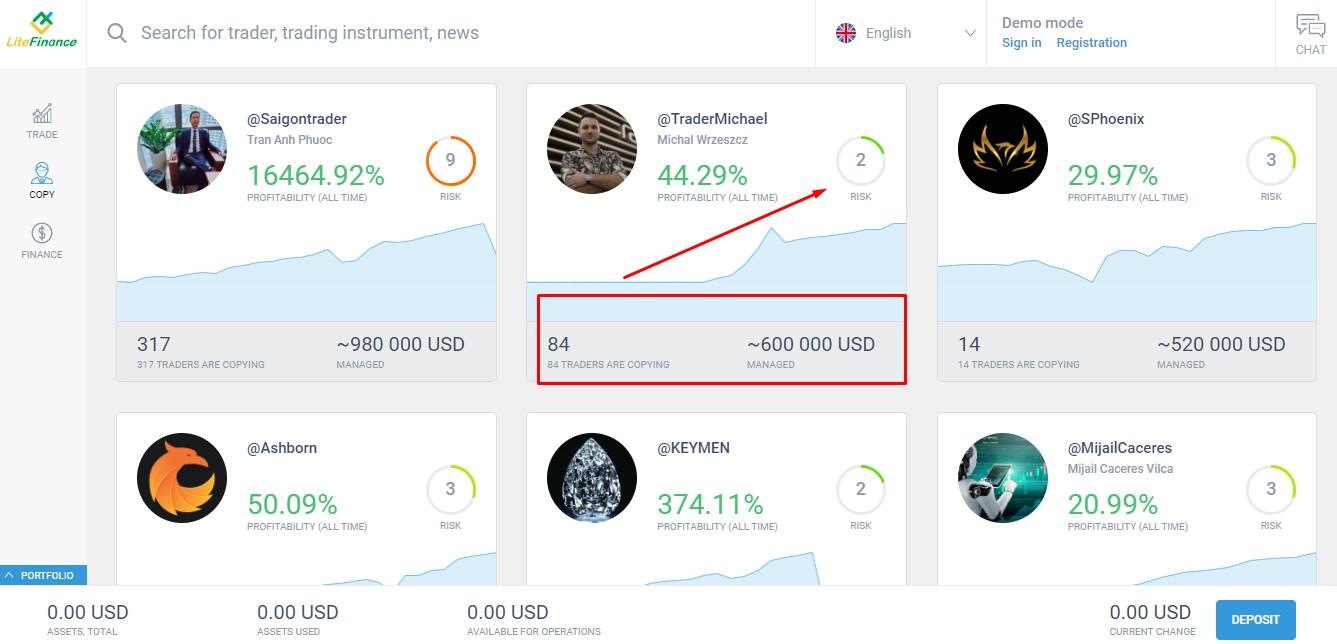
LiteFinance is the best trading platform for secure copying of trades thanks to advanced monitoring that allows you to fully control the trading of traders-signal providers.
Disadvantages
It is not possible to add custom indicators. Also, automated trading strategies are not provided. But developers promise to enable its connection soon.
No strategy tester. However, you can test your tactics using a demo account.
The capabilities of the LiteFinance platform, its algorithms, copy trading features and so much more can be found in our detailed review Understanding the LiteFinance Personal Account.
Ninja Trader
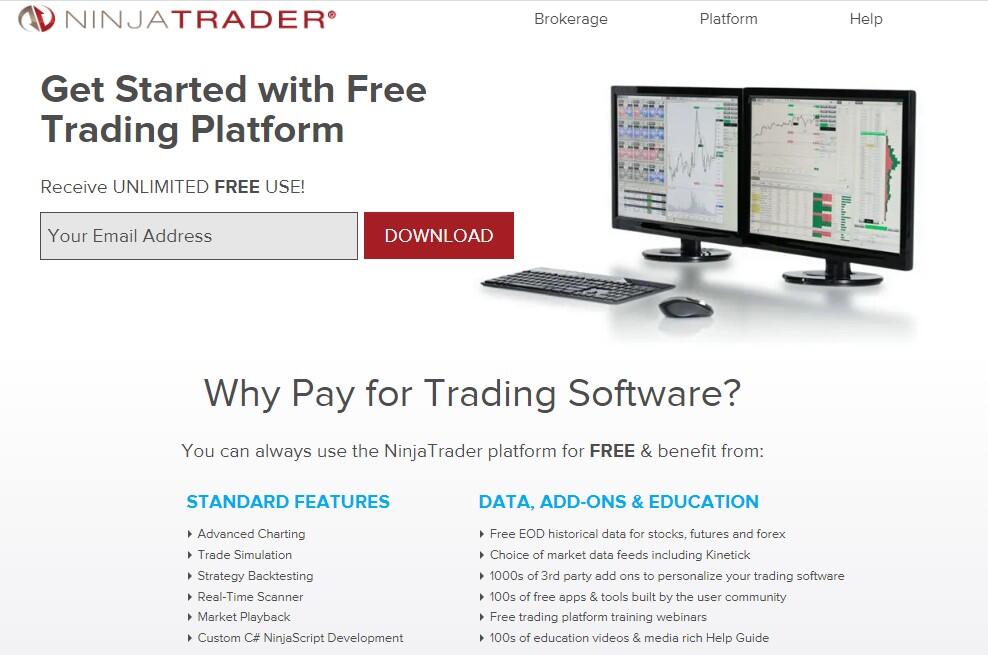
Ninja Trader is a terminal that made it to the list of the best trading platforms back in the mid-2000s. It is designed for experienced traders who analyze real market volumes, which is not technically possible on the Forex market. The major benefit of the platform is the analytical functionality, thus it can be suitable for both beginner and advanced traders. You can download the platform for testing from the developer's website, which offers a free demo mode with an account.
Advantages
The developer provides brokerage services. Ninja Trader is the broker's own platform, but other companies buy its license, which is a benefit.
C# is the language of the trading system editor. The site contains thousands of add-ons and hundreds of applications built for the platform by independent developers.
While MT4 is the best for Forex trading, Ninja Trader could be recommended for brokers who specialize in the stock market.
Disadvantages
The terminal is designed for professional exchange trading, therefore it is popular in relatively narrow circles, mostly among advanced traders. It’s not suitable for starters and will seem difficult to handle without practical skills.
The platform is not free. The subscription cost is quite high — 720 USD per year, or one-time purchase worth 1099 USD. The cost of updates and applications in case of purchasing a license on the site is not specified.
ProRealTime
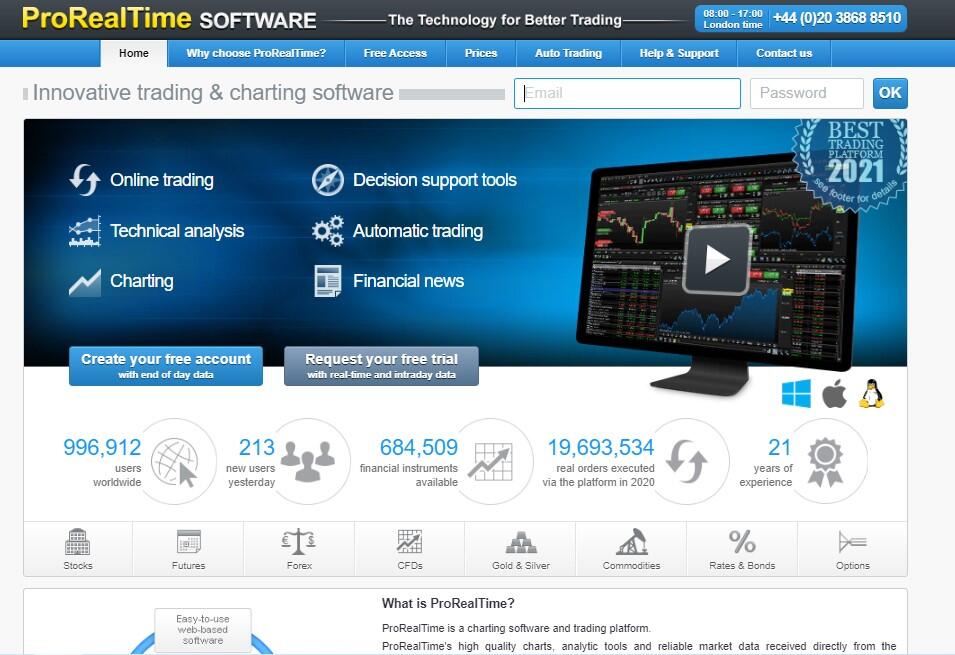
A versatile trading platform for all types of financial markets. The free version offers 120 currency pairs with a large volume, gold and silver, as well as cryptocurrencies. Stock assets and information packages are provided only on a paid basis.
Advantages
Over 100 tools for technical analysis, charting, market scanning, automatic trend detection, tick and volume analysis, market alerts and more.
The ability to manage orders directly from charts and use one of four order book display modes.
Editor for developing complex trading systems without code knowledge.
Disadvantages
A subscription to the program costs from 30-80 EUR per month. Among the best platforms, ProRealTime is not the most popular. Although the platform has many technological advantages, it has few partners among Forex brokers.
cTrader
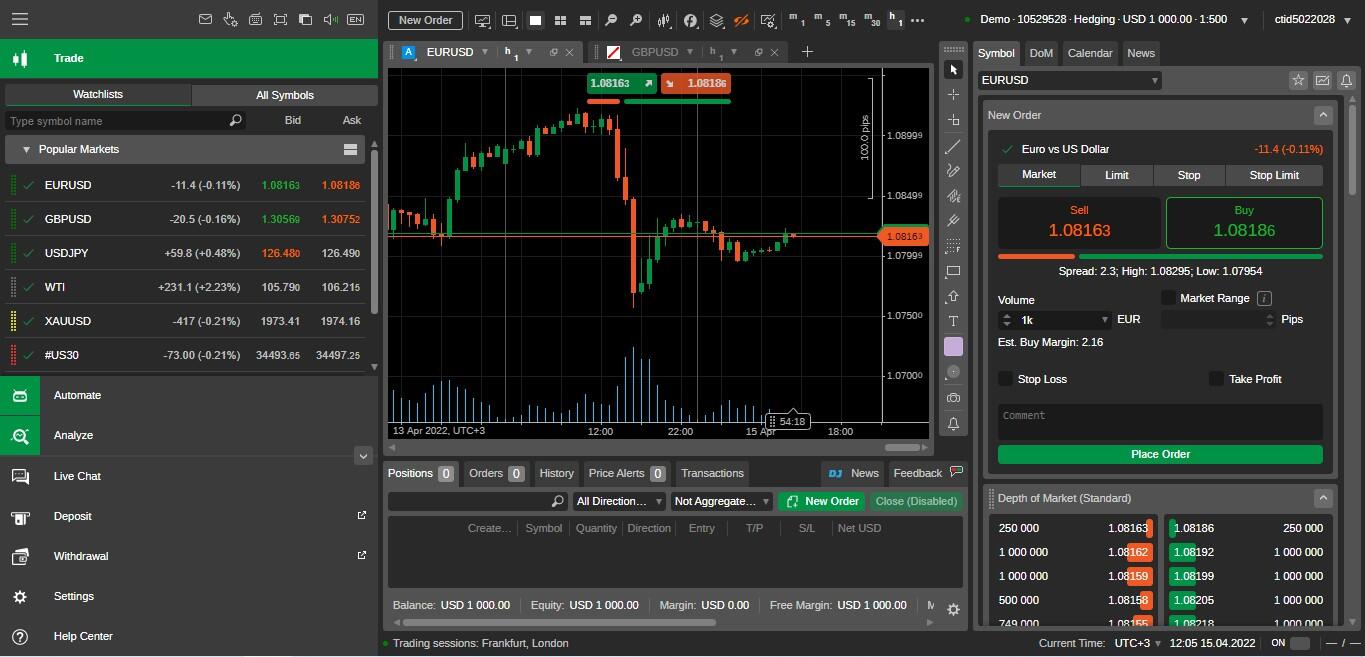
cTrader is a professional Forex and stock trading platform created in 2011 by Spotware. The terminal allows for automated trading strategies and is focused on professional trading on ECN accounts.
Advantages
Well-developed technical functionality. The platform features over 50 basic indicators, 14 timeframes, cAlgo editor in C#.
Developer support. The cTrader website is constantly updated with APIs, platform applications, indicators, advisors, etc.
ChartShots and ChartCasts features for sharing experiences and ideas with other Forex traders.
This trading platform is often offered by Forex brokers focused on the Forex markets of Europe, the CIS and Asia.
Disadvantages
Complexity. The platform is oversaturated with tools and specific functionality.
Testing only after opening a retail investor account. Installation of the trading terminal is not enough.
Relatively low popularity. Due to the complexity of the platform and high cost, the most Forex brokers prefer the MetaQuotes license to the terminal.
The platform is suitable for trading Forex among investors who have experience with simpler terminals.
eSignal
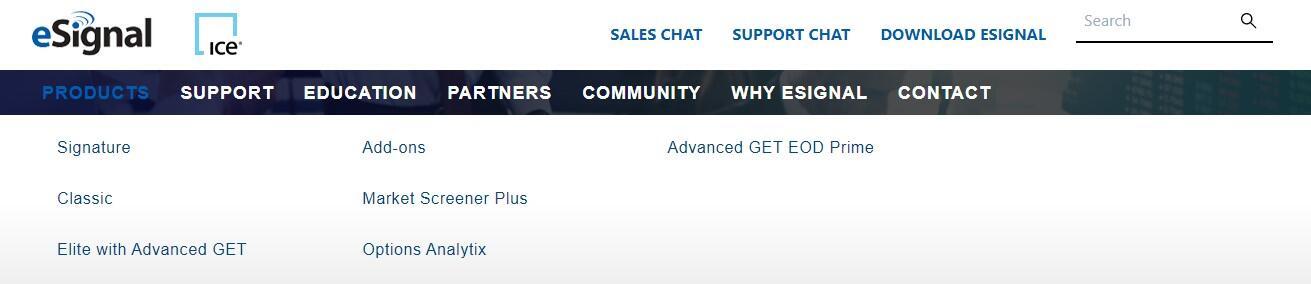
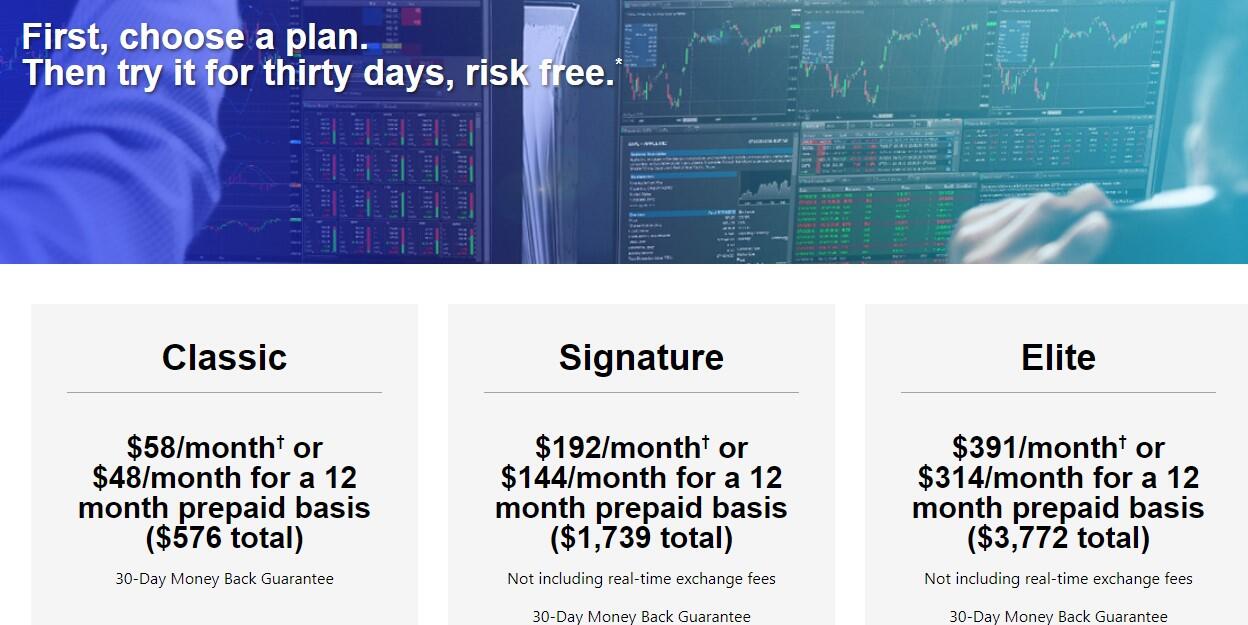
This is a graphical analysis and charting platform with market scanning capabilities. It was mainly designed to search for signals to open deals. This is a standalone application that allows you to recognize patterns, analyze markets using built-in screeners, etc. The package includes charts, indicators, technical scanning and financial information analysis tools.
Advantages
Pronounced advantages are visible only after practical use of the platform.
Disadvantages
The platform is offered by a limited number of brokers. If you check the list of partners on the eSignal website and visit one of the sites, you will see that the opportunity to use the platform for free is not always mentioned. However, you can get a paid subscription.
Mirror Trader
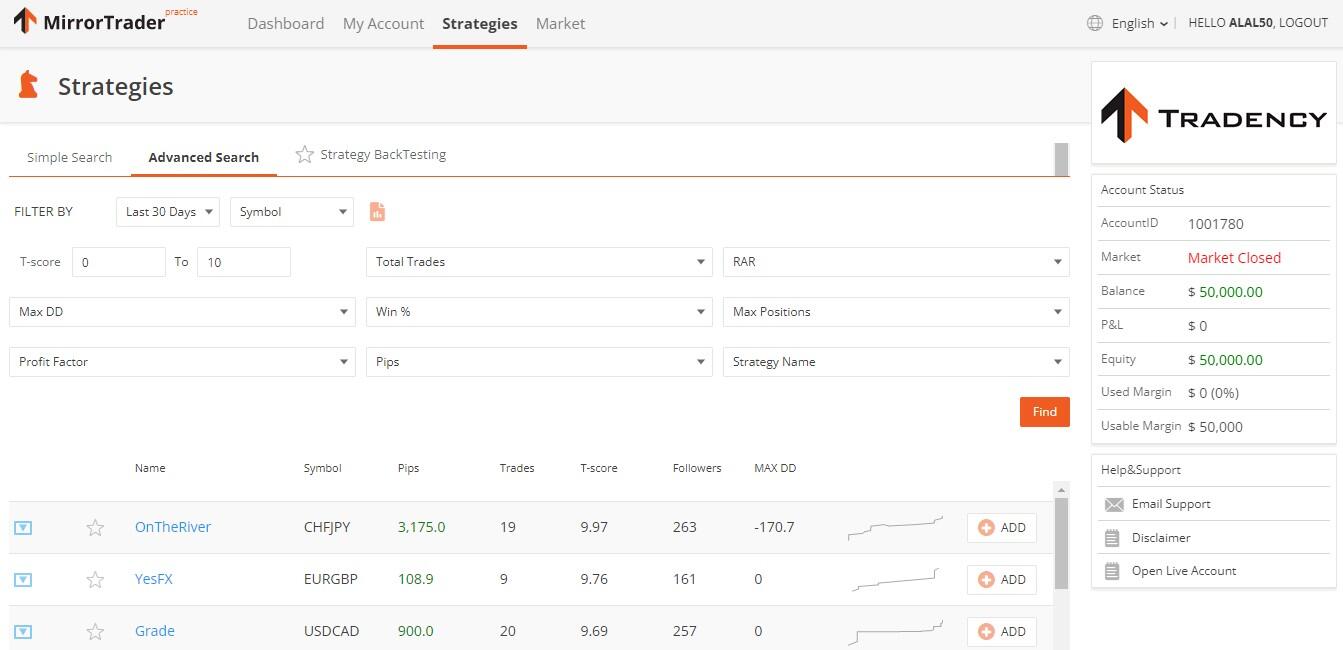
Mirror Trader is a web-platform from the Tradency developer that partners with more than 20 brokers in Europe and the CIS. It is an application for social trading and investing in PAMM accounts.
Advantages
It has a database of trading strategies and templates for creating investment portfolios.
Disadvantages
The mechanism of strategy database formation is not clear.
An open account, for example, in MT4 cannot be added to Mirror Trader.
ATAS
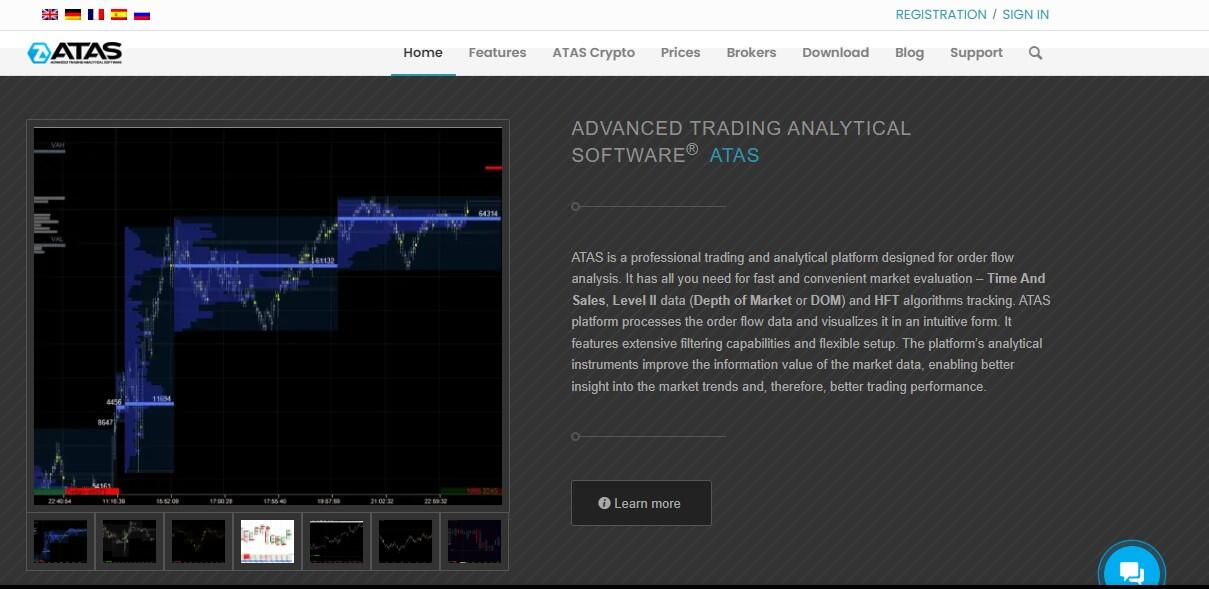
ATAS is an analytical platform designed for scalping, swing trading and high-frequency automated trading in the stock and cryptocurrency markets. The platform supports connection to the Moscow Exchange, Binance, OKX, ByBit cryptocurrency exchanges. The list of partner brokers is published on the website.
Advantages
Smart Print Feed for aggregating and filtering transactions in the order book, which allows you to see the largest orders.
Six types of graphical display of quotes, including cluster and profile charts.
Smart Market Depth allows you to track the level of liquidity and the frequency of placing orders.
Disadvantages
The full functionality of the platform in trial mode is available only for the first 14 days after registration with the preservation of a week's history. Annual subscription costs 479 EUR, perpetual — 1790 EUR.
XTB: xStation
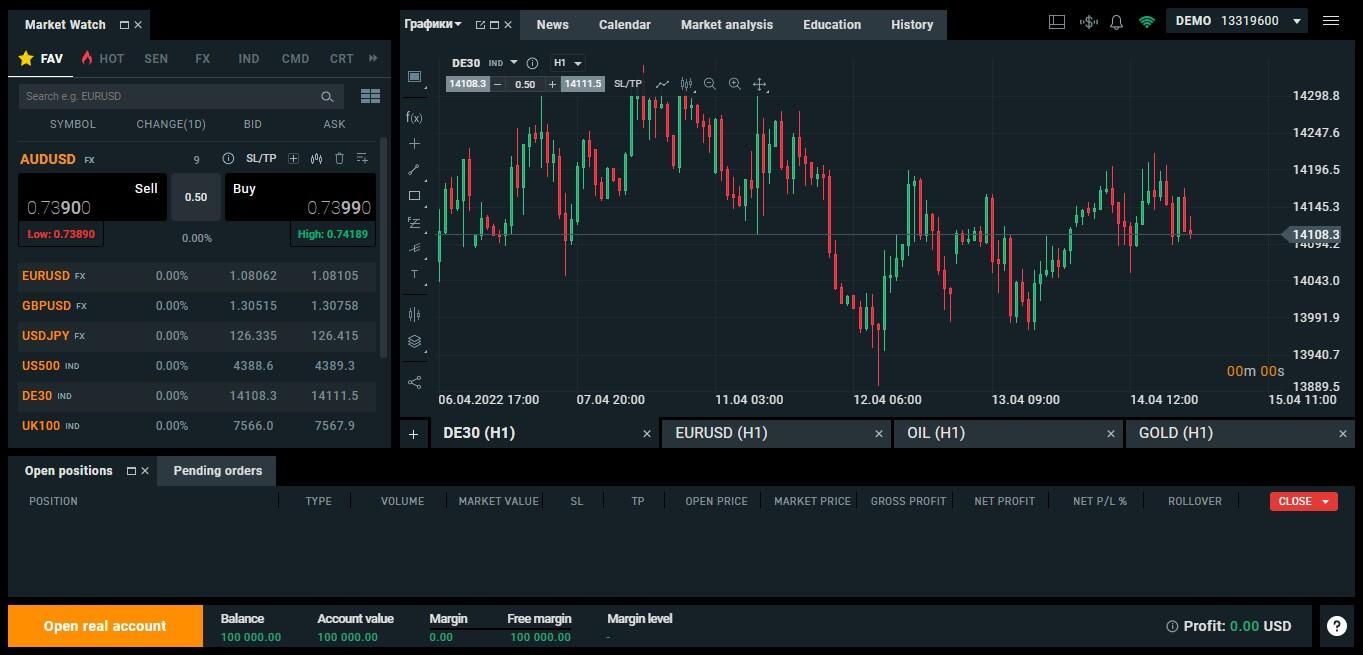
xStation is a platform for trading on any markets with support for social trading. The platform developer is a liquidity provider and XTB broker.
Advantages
Built-in trading to copy xSocial trades.
More than 700 trading instruments.
Own xStore store with applications from developers.
Disadvantages
A relatively small number of Forex brokers supporting this platform.
ZuluTrade
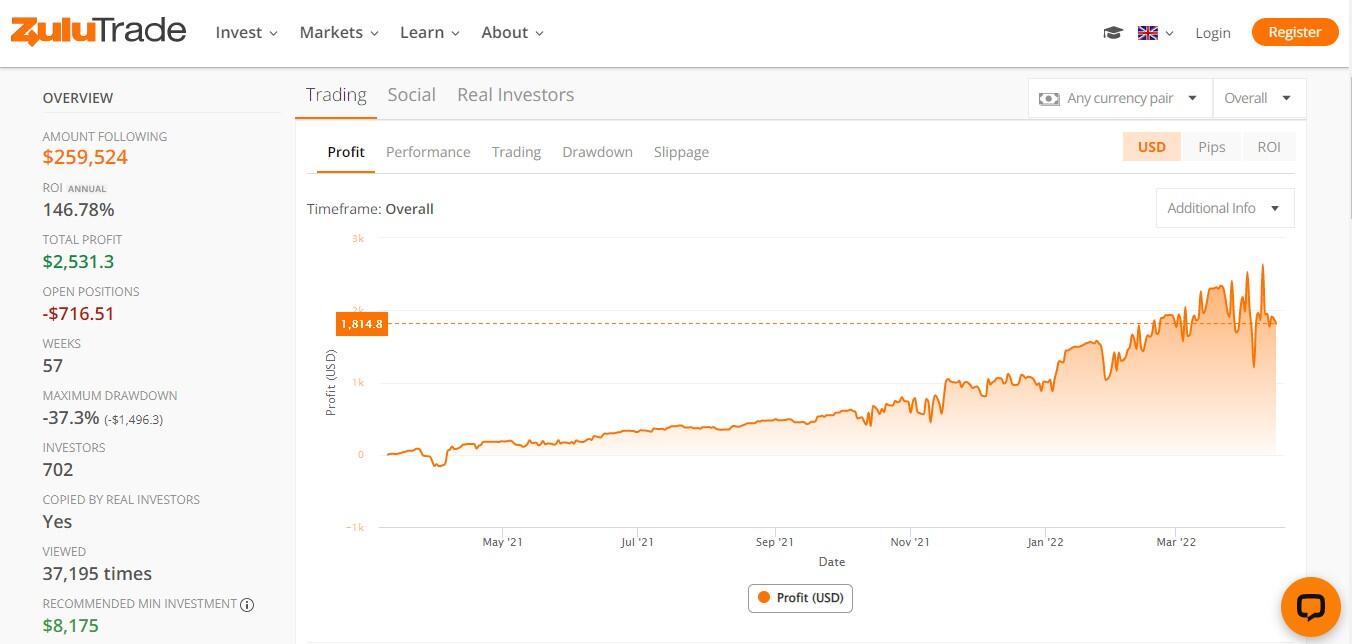
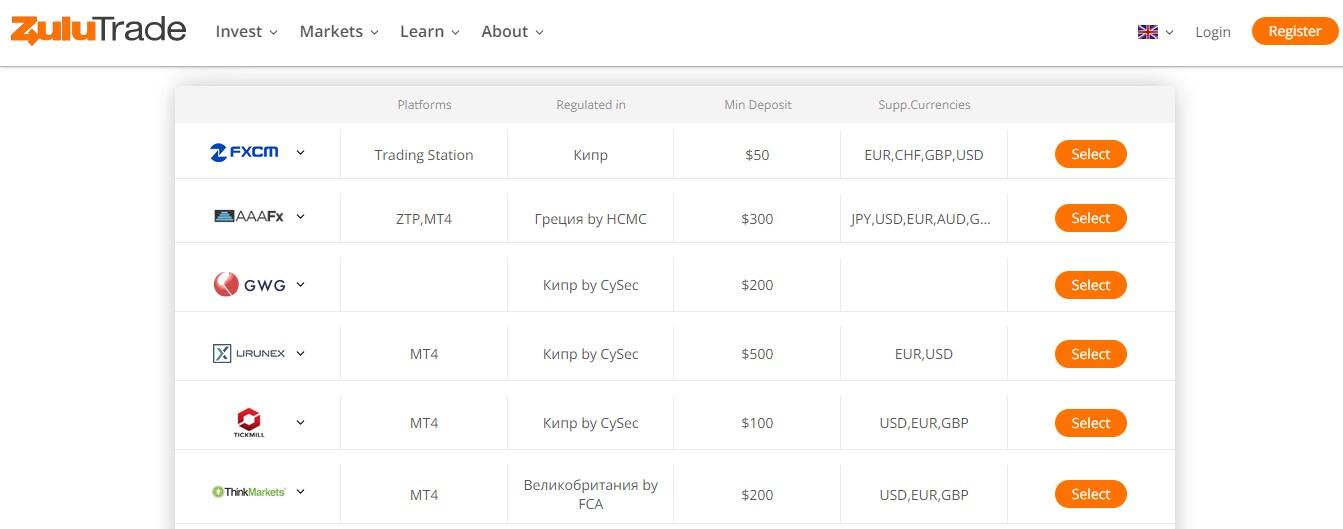
ZuluTrade is an independent social trading platform and an aggregator of services for copying broker trades. The technology of the platform allows any client whose broker is a partner of ZuluTrade to get into the rating of traders. The investor sees the name of the trader's broker, the period of account existence and the number of subscribers. Each user's card displays detailed trading statistics. ZuluTrade provides a big choice of financial instruments. Thus, if you want to trade currency pairs, you just need to opt for any regulated Forex broker supporting ZuluTrade.
Advantages
Flexible approach to trading conditions. Several types of retail investor accounts, the ability to choose leverage, connecting an already opened account with a broker to the platform, etc.
Zulu Guard. This feature automatically ceases copying transactions in case of a sharp change in strategy.
ZuluScript. Automatic software that copies transactions in accordance with the specified settings or when certain events occur.
Disadvantages
The platform is not responsible for the rating. The aggregator does not have tools to control the accounts included in the rating. The responsibility for the subscription lies entirely with the investor.
Different copy speed. If the investor and trader have different Forex brokers, the gap in the speed of execution of orders on the investor's account increases. Some forex traders think that this way, the site motivates users to copy the signals by specific brokers where the speed of execution is higher.
TradingView
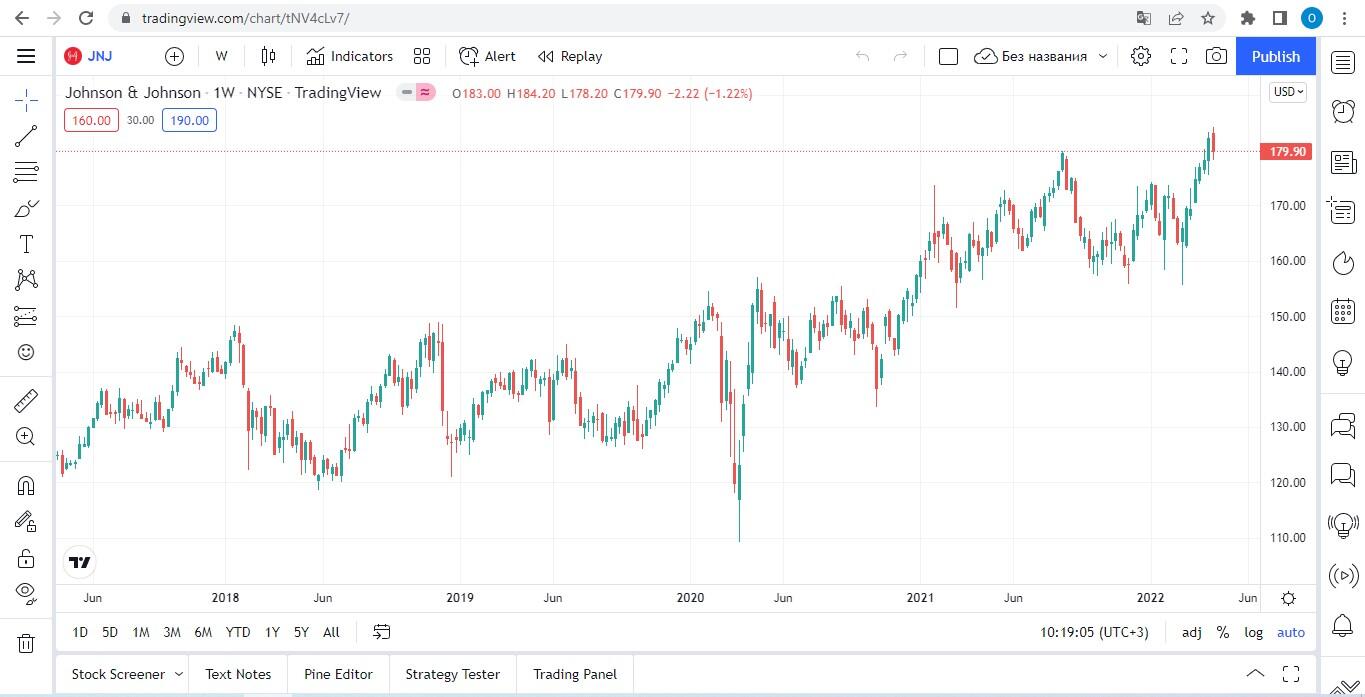
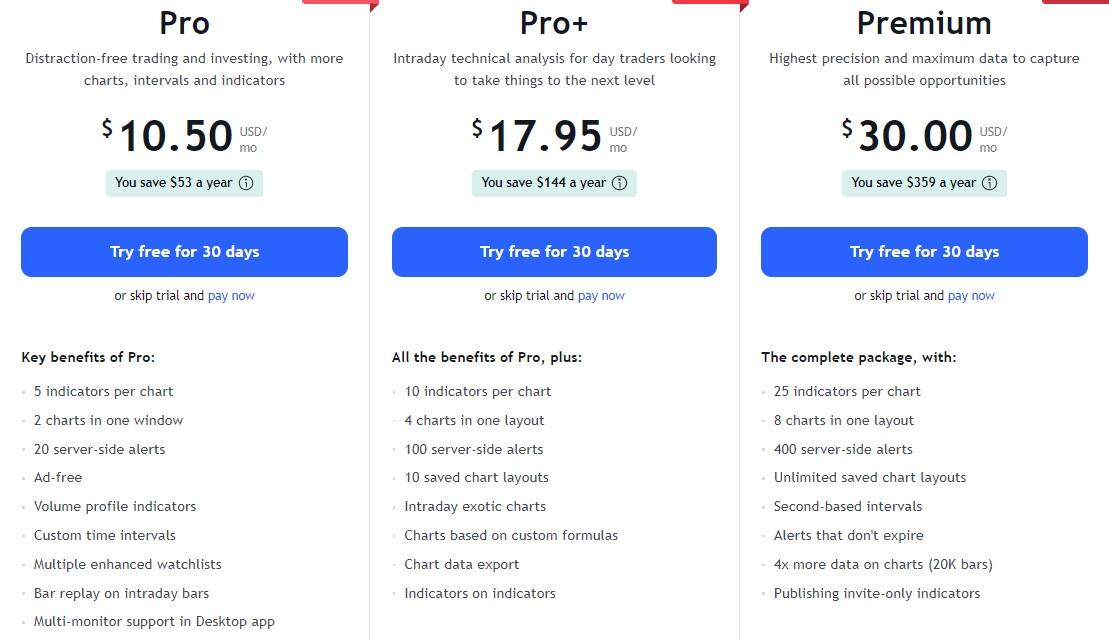
TradingView is an analytical platform and social network with over 30 million users. It is not a trading platform, but an independent information source with a lot of price charts, tools for their analysis and a community of traders. Here traders share forecasts, trading ideas, indicators and strategies. Most of the tools are free.
Advantages
Large selection of charts with convenient scalability. Professional Kagi and Renko charts for building reversal patterns. Line break chart based on a unique formula for constructing boundary and average price values — more than 10 variations.
Large selection of author's instruments. The platform website contains more than 8 million original scripts, applications, indicators and trading ideas from TradingView users. Unlike in MQL5, here you can find tools not only for MT4/MT5, but also for any other trading terminals.
Additional tools: screeners for stocks and cryptocurrencies, online heat map, etc.
The platform’s motto is: "We do not make charts, we give freedom."
Disadvantages
One of the major disadvantages of TradingView is the paid subscription. The free version has some functional limitations. It is okay for beginner Forex traders, but not enough for professional analysis. After subscribing, the user gets second timeframes, signal alerts, access to the simulator of intraday markets, etc. Also, the author's indicators posted on the site often have errors in the code.
Comparison of Forex platforms
A comparative analysis of the considered rating of the best Forex trading platforms is presented below in the form of a table. For comparison, we took exactly full-featured platforms, which are presented in the arsenal of online trading tools of the best Forex brokers in the markets of Europe and Asia.
MT5 | LiteFinance | cTrader | NinjaTrader | |
Purpose | Forex, CFD, futures | Forex, CFDs on assets of the stock, commodity markets, cryptocurrencies | Forex, stock assets | Shares, futures, other assets of exchange markets |
Number of tools for technical analysis | From 80 | From 100 | From 50 | From 80 |
Adding indicators, algorithmic trading | Yes | No | Yes | Yes |
Language | MQL5 | - | C# | C# |
Versions | Desktop, browser, mobile | Browser | Desktop, browser, mobile | Desktop, browser, mobile |
Categories of traders to whom the platform is recommended | Beginngers | Beginning Forex traders, passive investors (social trading) | Professional currency and stock traders | Professional currency traders |
Software | Requires installation on a PC for accessing the full functionality | Acessible from all devices via a browser | Requires installation on a PC or opening a browser for accessing the full functionality | Requires installation on a PC. Free trial without license payment is available for 14 days |
Mobile trading | Limited functionality in a mobile app | Full functionality for mobile devices | Limited functionality in a mobile app | Limited functionality in a mobile app |
In-built indicators | 38 in-built indicators | 75 in-built indicators | 67 in-built indicators | Over 60 in-built indicators |
Types of charts | Lines, bars and Japanese candles | Lines, candles, bars, Area, Heiken Ashi, Renko, Tic-Tac-Toe, Kagi | Lines, bars, Japanese candlesticks, scatter chart, HLC chart | Lines, bars, Japanese candlesticks, custom charts |
Comparison of mobile Forex platforms
Here’s what a trader needs to know about mobile Forex platforms:
Mobile applications have limited functionality. Most often, they are intended for superficial chart analysis and trade management. Specific tools are not available.
The majority of terminals have mobile versions for iOS and Android. Most aggregators also offer mobile versions, for example, ZuluTrade or TradingView.
Technical platforms or Web platforms often lack mobile versions. For example, eSignal can be installed on Windows OS only.
Information about supported versions and operating systems is available on the website of the Forex broker or developer.
Of the terminals considered in this review, only the LiteFinance platform has a full-fledged mobile version that does not differ from the desktop version. To get started, you can install the application or use it through a browser. The mobile version is fully responsive and runs on any device.
Summary
We can make the following conclusion:
An trading platform is a tool. Without a platform, you will not be able to make transactions, because the broker you open an account with provides access to global markets.
Platforms differ in purpose: there are programs for analysis and trading, there are auxiliary analytical platforms and aggregators.
Brokers offer trading software for free. Sometimes they provide access to technical tools for advertising purposes or when a trader replenishes a deposit with a certain amount. In this case, the user can visit the developer’s website and subscribe.
There is no perfect trading platform and no best Forex broker. Some terminals are tailored for individual markets - Forex, exchange futures. Some serve individual tasks - platforms for beginners, scalping, graphical analysis, social trading. Do you want to understand what type suits you? Start by choosing a fx platform for beginners (MT4, LiteFinance) and then improve your skills with more complex tools.
Good luck with your investments!
Start trading with a trustworthy broker
Best Trading Platform FAQs
This is software that allows a trader to sell / buy assets on global markets and work with counterparties from anywhere in the world. You can also hone your trading skills in the virtual market using a demo account.
Forex trading platform is a hardware set that consists of several software parts. For example, MT4 has the following structure:
- Client Terminal — end-user part. It includes the software that a trader downloads from the broker's website, installs, and then manages transactions from - opens and closes orders, sets pending orders, launches advisors, etc.
- Server is an automated server part responsible for receiving, processing and further sending client orders to the external market. Being a part of the Data Center, it is the core of the software package. Hosted on the broker's servers.
- Administrator - software for remote management of the server part. It allows brokers to manage databases, platform settings and financial instruments.
A Forex broker is an intermediary who helps to connect Forex traders with the forex market. In simple terms, it is someone who provides Forex investors with access to the Forex market so that they can buy and sell currency pairs. Forex brokers can be banks, financial institutions, or retail companies that offer Forex trading services to their clients. Choosing the best Forex broker can be a difficult task. Thus, there are a few things to keep in mind, such as regulation, retail investor account types, customer support, spreads, trading tools, etc.
Almost any - a beginner does not have to use all the functionality. Therefore, the following points are of primary importance:
- Convenient interface, visual display of graphs, selection of a color palette. Your eyes should not get tired, a trading terminal should allow you to instantly track the main points. Over time, you will get used to it, but optimal load distribution at the early stages of your work is especially important.
- Duplication of functions. It is important to understand the main platform tools and find the most convenient algorithm of actions.
- Absence of functionality overloading.
The latter does not require installation and all tools are available in the browser from any device.
The professionalism of a trader rarely depends on the platform used. They work with a terminal that is:
- Available from the broker in accordance with its trading conditions.
- Best adapted to a particular market.
- Optimally suited to the requirements and tasks of the trader.
- Easy to use and functional.
- Install the software by downloading it from the broker's website. Make sure that the broker supports trading through the required platform.
- Open a demo account. Versatile instructions can be found on the broker's website. Some platforms allow you to open a demo account from the software itself (for example, Metatrader 4/5). In the LiteFinance web platform, the demo mode is available without registration.
- Open trades, test platform tools, study its functionality. The demo account is free - all you need is time.
- Open a real account and connect it to the platform in the same way. Get verified with a broker. Replenish the deposit and open transactions in the real market.
The answer depends on:
- Trading conditions. You will not be able to replenish your account with an amount less than the one indicated by the broker. It can be either 1 USD or 1000 USD. The second factor is leverage. 1 USD without leverage allows you to open deals only on cent accounts. But always remember that large leverage means high risk.
- Your goals. If we take 10% per month as an average trader's income, a deposit of 100 USD will bring you no more than 10 USD.
First of all, you should study the broker’s trading conditions, its capabilities and advantages. And only then - look at the trading platforms they offer. More than 70% of brokers focused on the markets of Europe, Asia and the CIS have MT4 in their arsenal.
A broker is a legal entity that provides private traders and other market participants with technological services for access to exchange and over-the-counter markets. This is a company that has a registered address, receives licenses from regulators and operates in the legal field of the relevant jurisdictions.
The platform is a program, a trader's working tool. Platforms also serve as independent electronic platforms that act as analytical portals, aggregators or forums. They do not provide brokerage services, only auxiliary functions. For example, ZuluTrade is an aggregator of PAMM account brokers and social trading, Currenex and Integral are platforms that provide technological solutions for ECN execution of transactions. MQL5 is a community platform for MT4 and MT5 users.
- In terms of account security and payments, yes. The broker does not transfer personal data of users to third parties. Users’ accounts are protected by verification, two-factor authentication, and SSL data encryption. If you do not share passwords, do not open unfamiliar emails, and do not follow third-party links, your data is protected.
- In terms of fx trading risks, no. You are responsible for your own actions: opening and closing trades, using analytical tools, copying trades based on signals. You must understand that the decision may be erroneous and lead to the loss of the deposit. Assess risks and always follow the rules of risk management.
Theoretically, you can do it. You can buy currency at the bank and sell it after the exchange rate changes - this will also be a kind of trade. But for full-fledged trading in the global exchange and over-the-counter markets, you need an intermediary, that is, a broker.
The content of this article reflects the author’s opinion and does not necessarily reflect the official position of LiteFinance broker. The material published on this page is provided for informational purposes only and should not be considered as the provision of investment advice for the purposes of Directive 2014/65/EU.
According to copyright law, this article is considered intellectual property, which includes a prohibition on copying and distributing it without consent.